Oil and gas digital twins, built from engineered components
Deck Twin turns P&IDs, datasheets and equipment lists into a 3D twin of a facility. Every item in it comes from one library of components, sized to published engineering standards.
Two ways to use Deck Twin
Have a twin of your facility built, or build your own models from the same components.
A twin of your facility
We build the model with you from the documents the facility already has: P&IDs, datasheets, line lists and plot plans. One model then serves engineering, operations and training.
The component library
The components every twin is made of, for your own models. Each one has a 3D preview, size controls and connection points. An account opens the full source and lets you install from the command line or an AI agent.
From documents to a 3D plant
The plant at the top of this page was built in three steps, with or without an AI agent.
Start with your documents
The agent skill converts P&IDs, datasheets and equipment lists into a plant model and checks the result. It works with any AI model. Sign in once with
decktwin loginand the agent installs the components it needs.Read the agent skill guide$npx decktwin skillThe separation train as a plan drawing, drawn with the library’s P&ID symbols. Describe the plant in one file
plant.jsondefines the equipment, positions and connections. The validator checks it for unknown components, invalid ports and line class mismatches.$npx decktwin validate plant.jsonplant.json{ "name": "Separation & compression train", "items": [ { "tag": "V-1100", "component": "horizontal-separator", "position": [-20, 0, -6], "props": { "diameter": 2.4, "length": 8 } }, { "tag": "PSV-1101", "component": "pressure-safety-valve", "position": [-20.8, 5.3, -6], "props": { "orifice": "J", "inletRating": 600 } } ], "lines": [ { "tag": "3\"-FL-1101-D6A-N", "from": "V-1100.psv", "to": "PSV-1101.inlet" } ] }Part of the file for the same plant. Build it in 3D
<Plant>generates the piping, flanges and supports. With a free account, thedecktwin addcommand copies the full component source into your project.$npx decktwin add horizontal-separator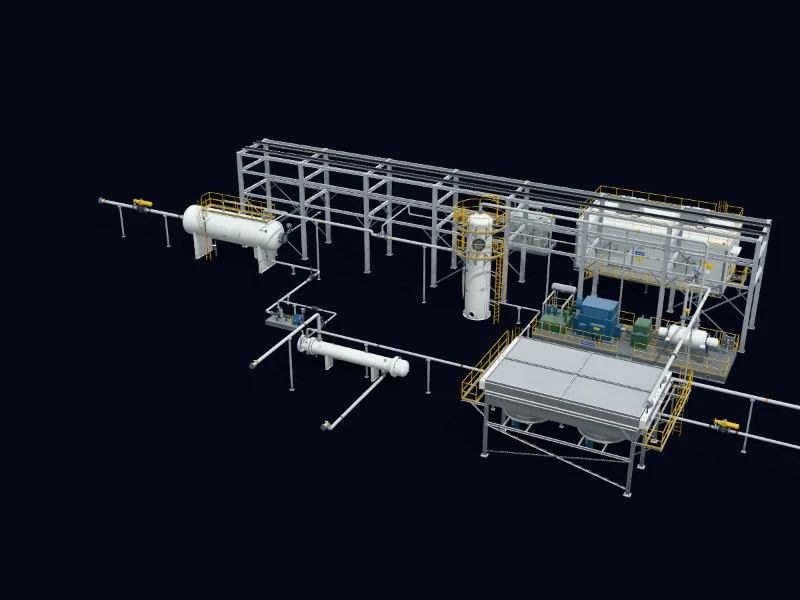
Separation & compression train: 11 items and 16 lines. Open it in 3D
- /r/index.json
- Lists all components with their properties, ranges and ports.
- decktwin info <name>
- Returns the details of one component as JSON.
Set up with your agent
One prompt for Claude Code, Cursor, Codex and other coding agents. It covers setup, the agent skill and building a plant from your P&IDs.
Read https://decktwin.com/prompt.md and follow it225 components across 16 categories
From small-bore valves to pedestal cranes, including vessels, rotating equipment, instruments and structures.
- Piping & fittings31
- Valves15
- Vessels & tanks11
- Heat transfer & flare12
- Rotating equipment17
- Wells & pipelines9
- Drilling & subsea12
- Instruments15
- Fire, gas & safety29
- Structure & access15
- Power & buildings12
- Control room & interiors11
- Lifting & logistics8
- Packages & skids12
- Onshore & terminals14
- Environment2
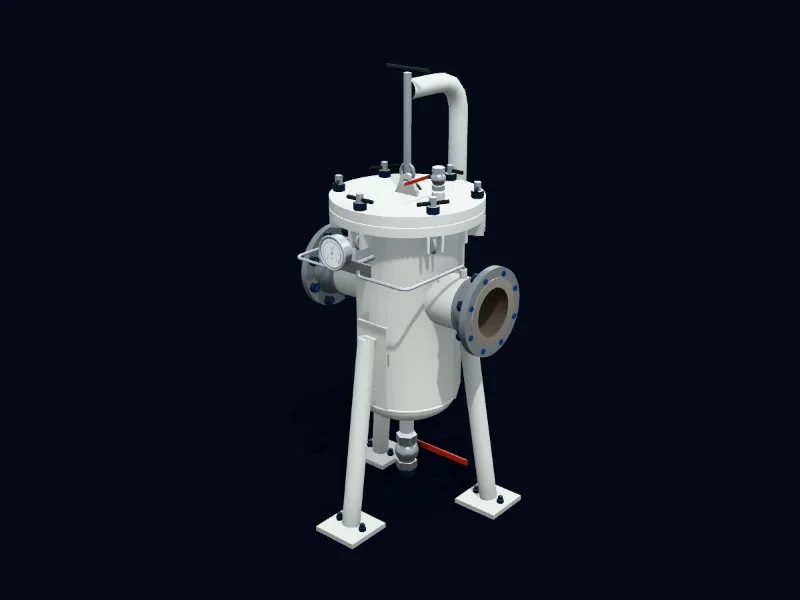
ASME B36.10 pipe, B16.9 fittings, B16.5 flanges, supports and specialty items.
View all 225 componentsEvery dimension comes from a published standard: ASME, API, IEC, ISO, EN, NFPA, DNV, NORSOK, ISA and TEMA.
The values are reference data from the public codes, and the geometry is generic rather than vendor CAD. The library also includes 293 P&ID symbols.
See a finished digital twin
The demo is an offshore field of five platforms with a simulated process, alarms and a control room. It runs in the browser.
View the twin demo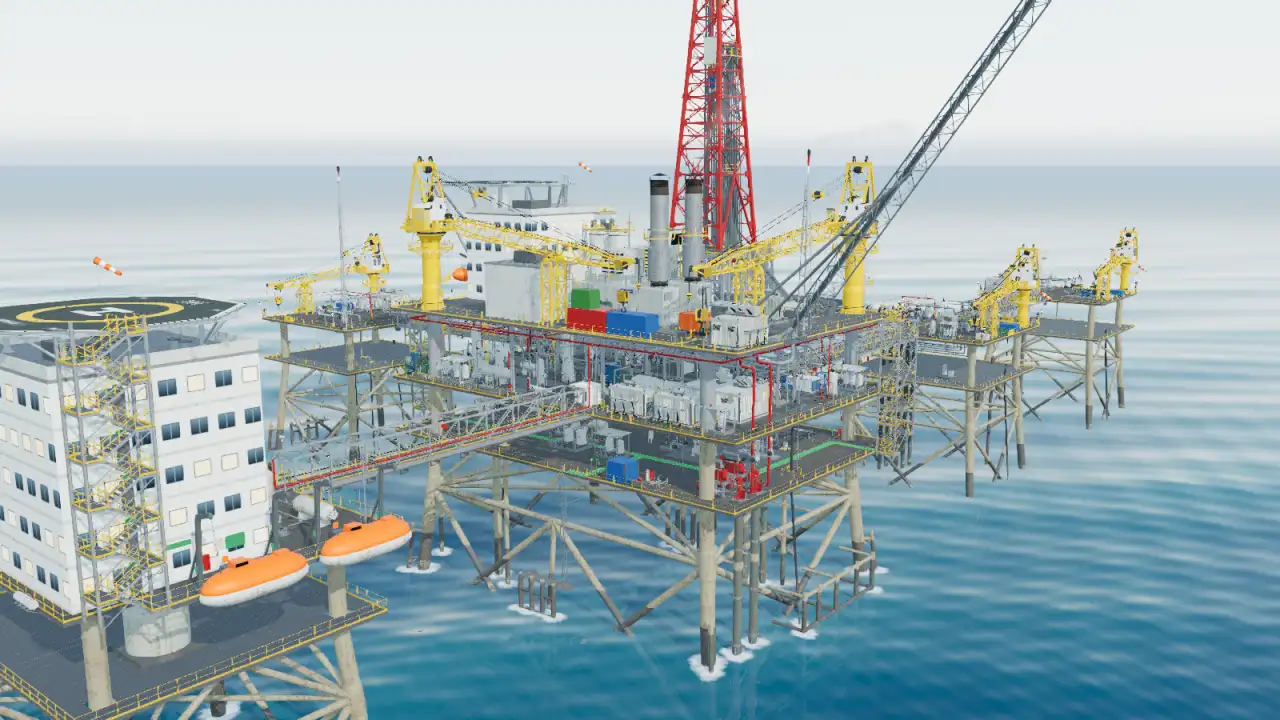
Accounts and plans
Browsing is open to everyone. An account opens the source, and a licence covers commercial work.
Personal
Free, for personal projects, learning and evaluation. Full source of every component, installed from the command line or an AI agent.
Commercial
A licence to use the components in commercial projects and products. Request it from your account, or write to us.
Facility twin
A digital twin of your facility, built with you from your documents and scoped with your engineering and operations teams.