
Digital twins for oil and gas facilities
A 3D model of the plant built from its P&IDs, datasheets and line lists. Every item is tagged and connected, the process runs, and it all opens in a web browser.
How a twin is built
From the documents a facility already has to a model the whole team can walk, inspect and operate.
- Step 01
Gather the documents
A twin starts from the engineering record. Each document type adds one layer: the P&IDs give the tags and connections, the datasheets the sizes, the plot plans the positions.
- P&IDs
- Equipment, lines, valves and instruments, with every tag and how they connect
- Process flow diagrams
- The order of the process and the main operating conditions
- Equipment datasheets
- Sizes, nozzles, pressure ratings and driver power
- Line lists
- Size, service, pressure class, insulation and the two ends of each line
- Plot plans and GA drawings
- Where each item stands on the deck or the site
- Cause and effect charts
- Which alarms and trips act on which valves and machines
- Step 02
Read every tag and line
The agent skill reads each drawing and lists every equipment tag, line, valve and instrument. Line numbers carry most of the piping data, so each one is split into size, service, number, class and insulation.
12"-PM-1001-D6A-H- 12"
- Nominal pipe size, NPS 12
- PM
- Service: multiphase
- 1001
- Line number in the inlet and separation series
- D6A
- Piping class: the 6 is ASME Class 600
- H
- Insulation: heat conservation
- Step 03
Map items to standard components
Each item is matched to a component from the library and sized from its datasheet: a three-phase separator becomes a horizontal separator with the right shell, heads and nozzles. Items with no matching component are listed for review rather than guessed.
- Step 04
Assemble and check the plant model
Items, positions and connections go into one
plant.jsonfile.decktwin validatechecks it for unknown components, ports that do not exist, open process connections and class mismatches, and says how to fix each one.plant.json{ "name": "Separation train", "items": [ { "tag": "V-100", "component": "horizontal-separator", "position": [0, 0, 0] }, { "tag": "P-101", "component": "centrifugal-pump", "position": [7, 0, 5] } ], "lines": [ { "tag": "6\"-PO-101-D6A", "service": "oil", "from": "V-100.liquid", "to": "P-101.suction", "inline": [{ "component": "gate-valve", "at": 0.6 }] } ] }$ npx decktwin validate plant.json ✓ plant.json is valid: 11 items, 16 lines, no issues warning V-100 items[0] Process port "inlet" (Inlet) is not connected. Fix: Add a line from V-100.inlet, or report why it stays open.
- Step 05
Generate the 3D plant
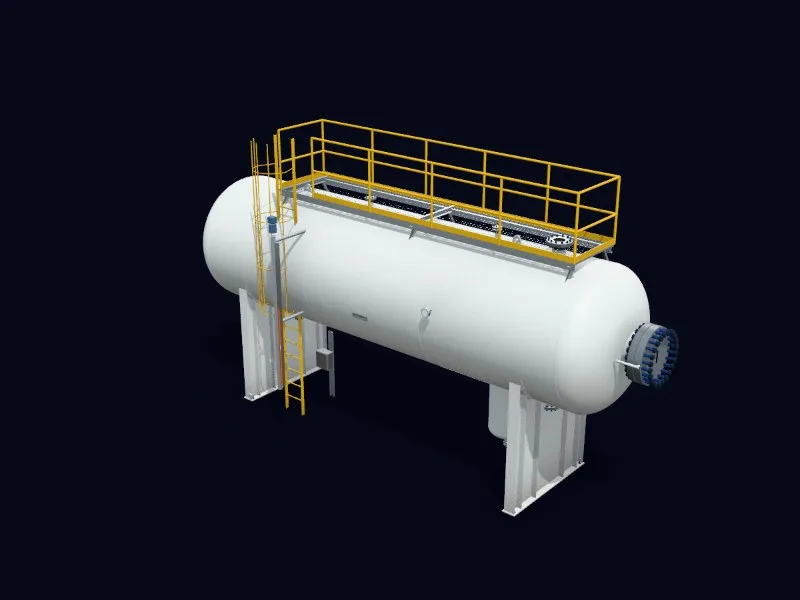
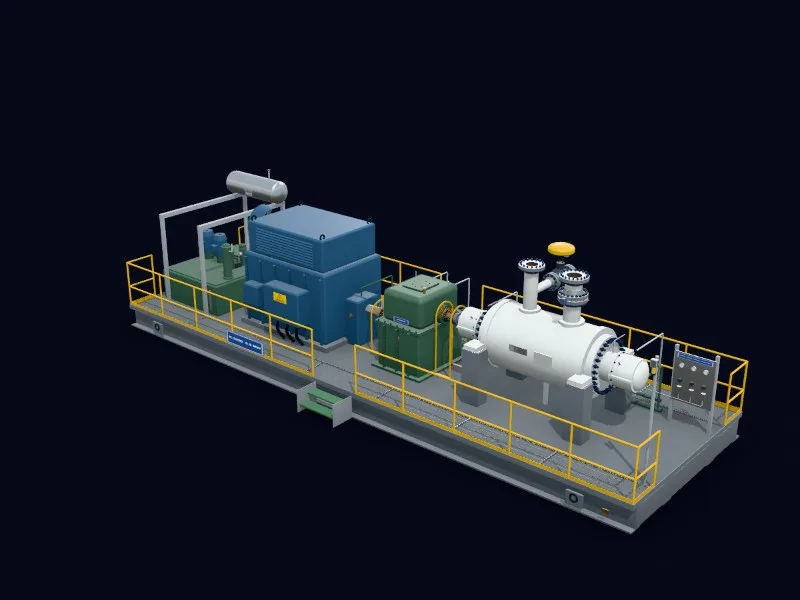
The plant assembler places every item and routes each line between its ports, with elbows, flanges, inline valves, supports and colour bands sized to the line class. Drag the model to turn it.
Separation & compression train: 11 items and 16 lines, generated from one plant.json. Open the example - Step 06
Connect the data and the process
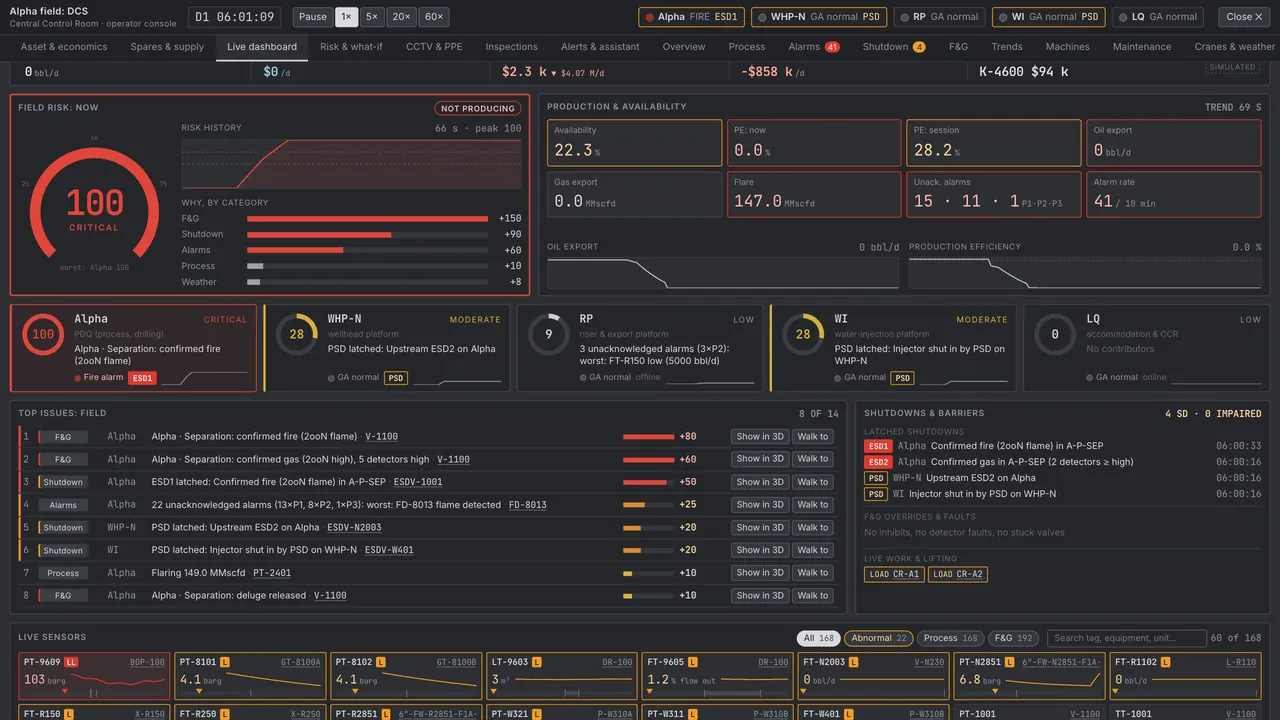
Instruments read through one data interface. In the demo a dynamic simulation drives it: wells, separation, compression, export, power and utilities respond to each other, with alarms, trips and a latched shutdown hierarchy.
- Step 07
Operate, train and respond
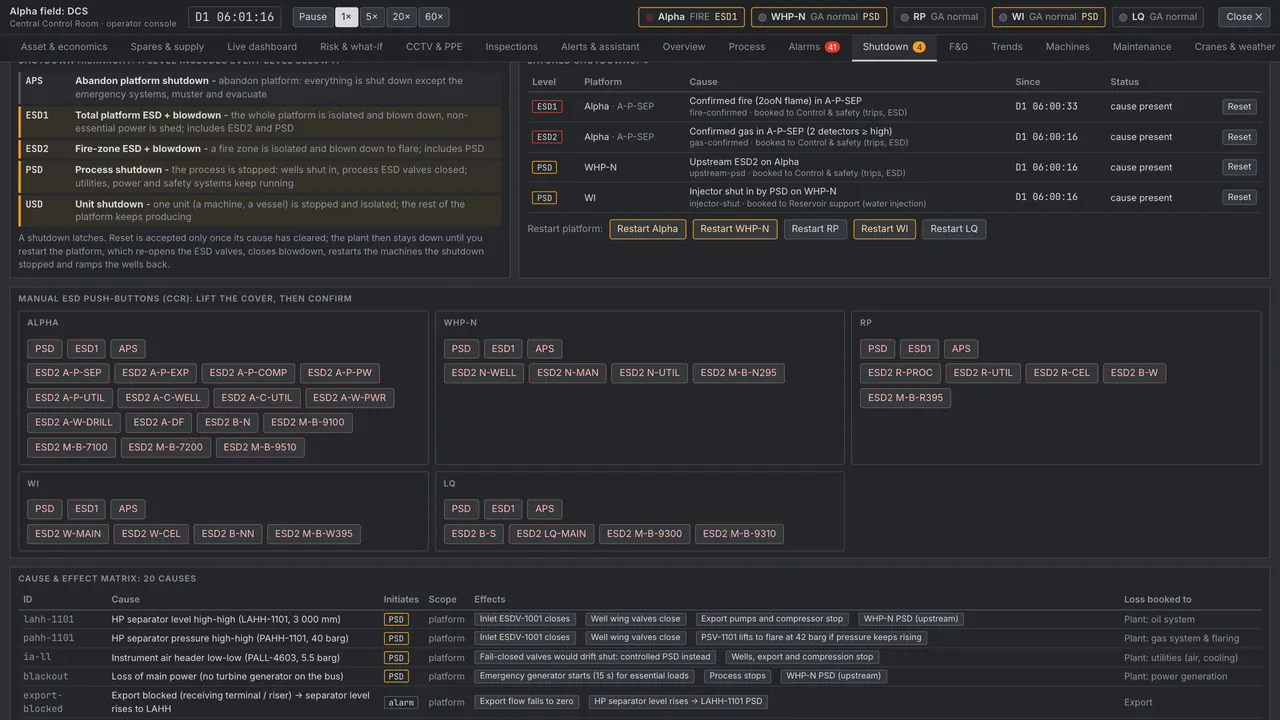
Operators run the plant from a control room console, practise drills and follow an incident from the first gas alarm to the investigation, on the same model the engineers reviewed.
What the twin covers
One model serves engineering, operations, asset management and training. In the demo, readings, alarms, camera detections and inspection results are simulated.
Engineering
- Walk the plant
- Cross bridges, climb stairs and enter modules at true scale.
- Inspect any item
- Tag, design data, connected lines and live readings for each piece of equipment.
- Cutaway and x-ray
- See vessel internals and liquid levels, and trace pipework through the deck.
- Hazardous areas
- Zone 0, 1 and 2 envelopes drawn around their release sources.
- Isolation planning
- Find the valves that isolate an item for maintenance, and show them on the model.
Operations
- Control room console
- Process, alarm, trend and shutdown pages in a DCS style.
- Process simulation
- Wells, separation, compression, export, power and utilities respond to each other.
- Shutdown logic
- A cause and effect matrix and a latched hierarchy from unit shutdown to abandon platform.
- Fire and gas
- Detector voting, confirmed fire and gas actions, and deluge.
- Detector coverage
- Map what each fire and gas detector can see, and find the gaps.
Asset and safety
- Maintenance
- Work orders, permits to work and lockout, tied to the tagged equipment.
- Spares
- Stock, reorder points and supply runs for critical spares.
- Inspections
- Inspection routes, readings and corrosion grades on the model.
- Cameras
- Fixed camera views of the plant, with people and PPE detection.
Training
- Operator drills
- Twelve drills, each scored and reviewed after the run.
- Emergency response
- One incident followed from the first gas alarm to the investigation.
- Your own plant
- Load a plant.json built from library components to view and walk through it.
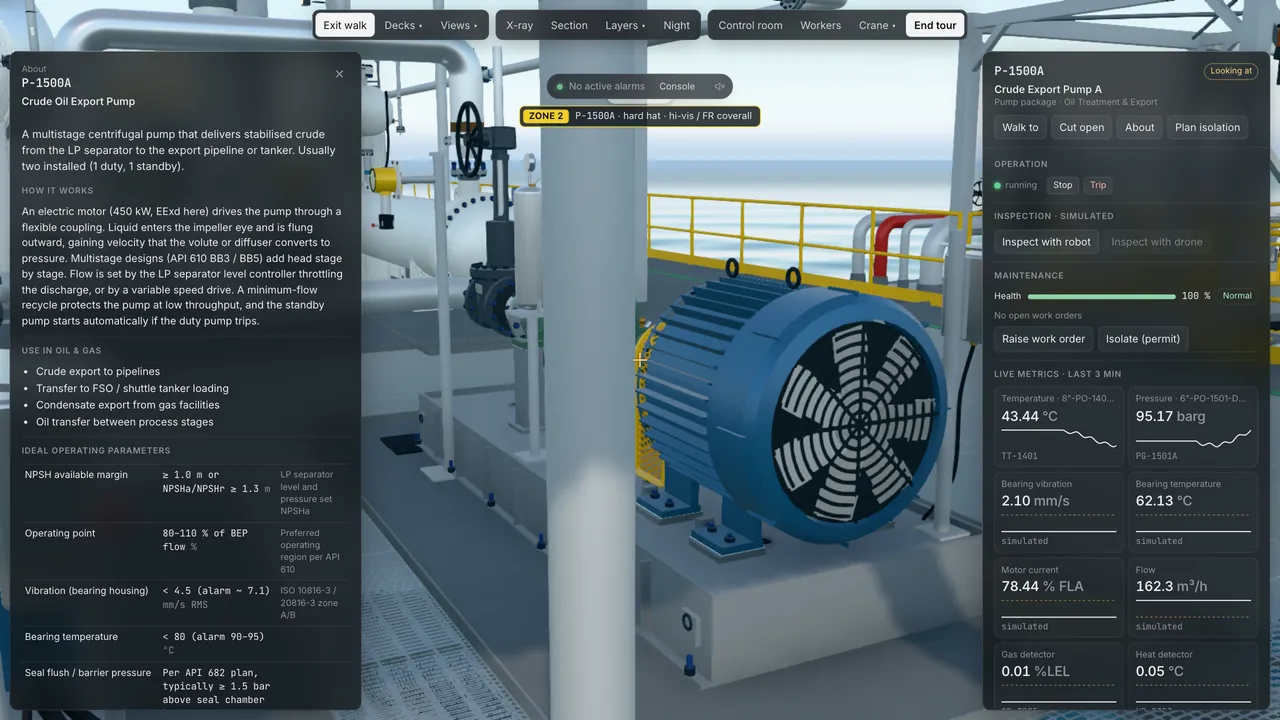
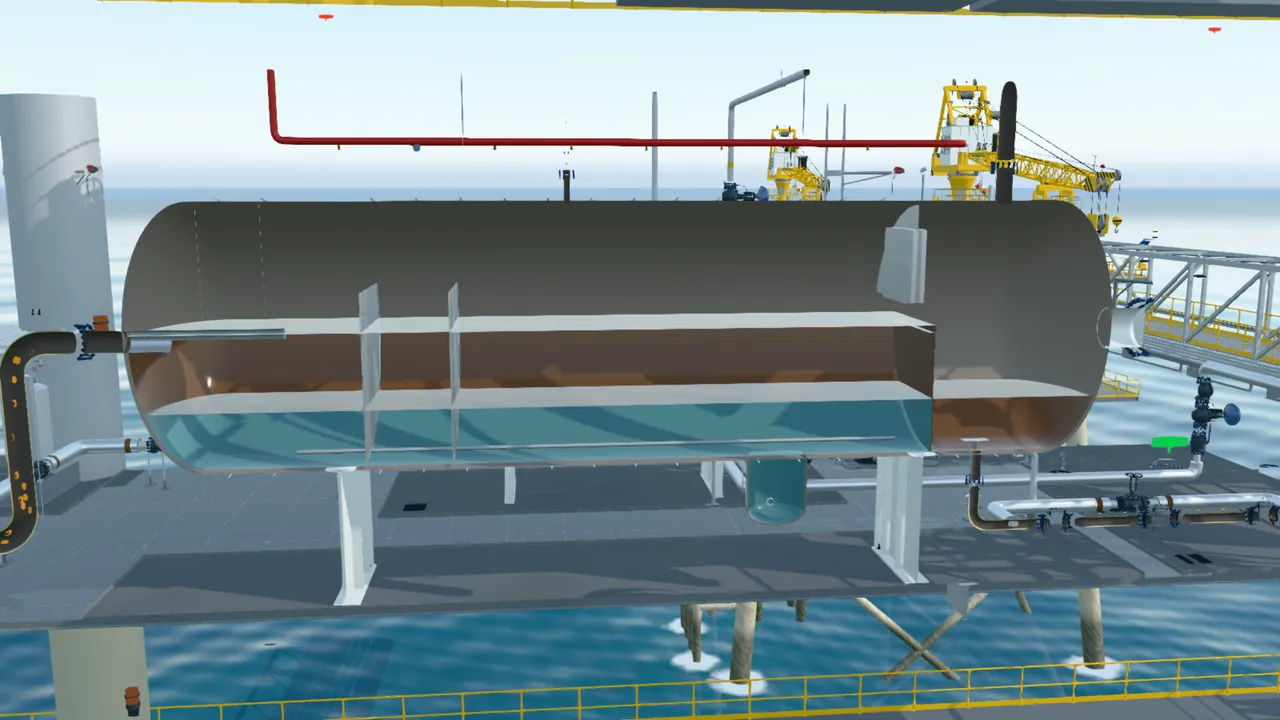
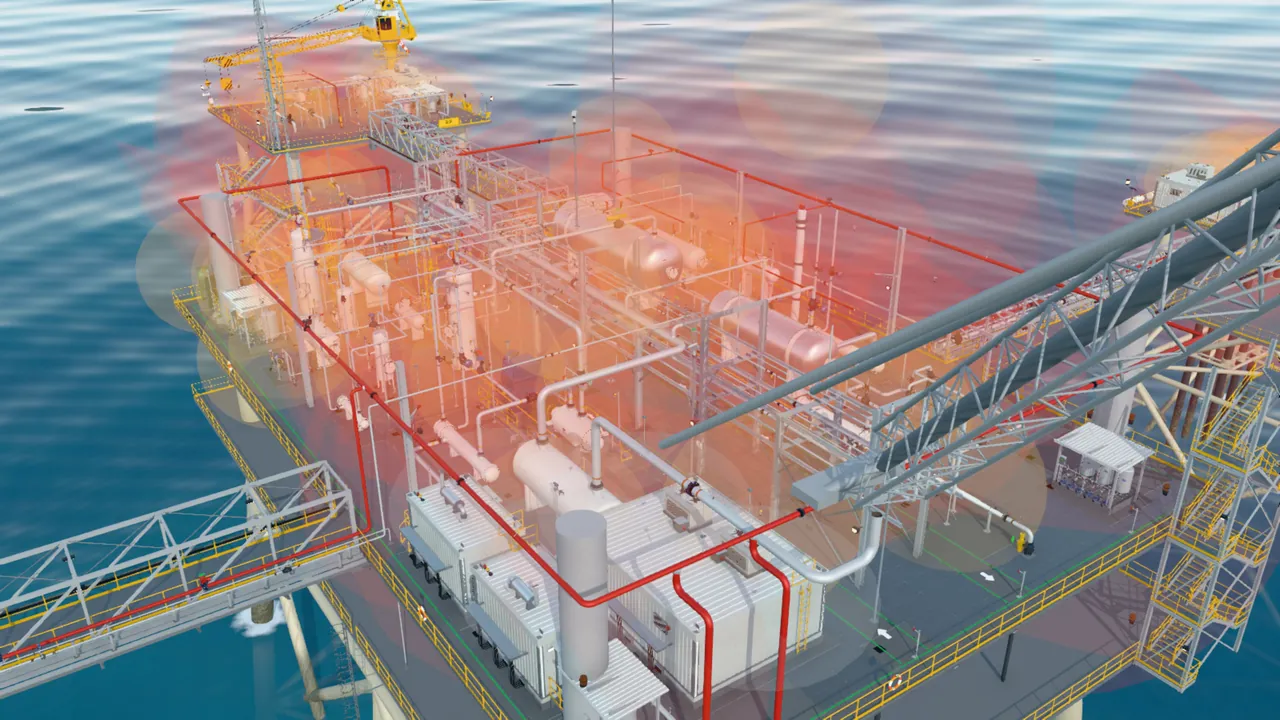
Built from 225 components
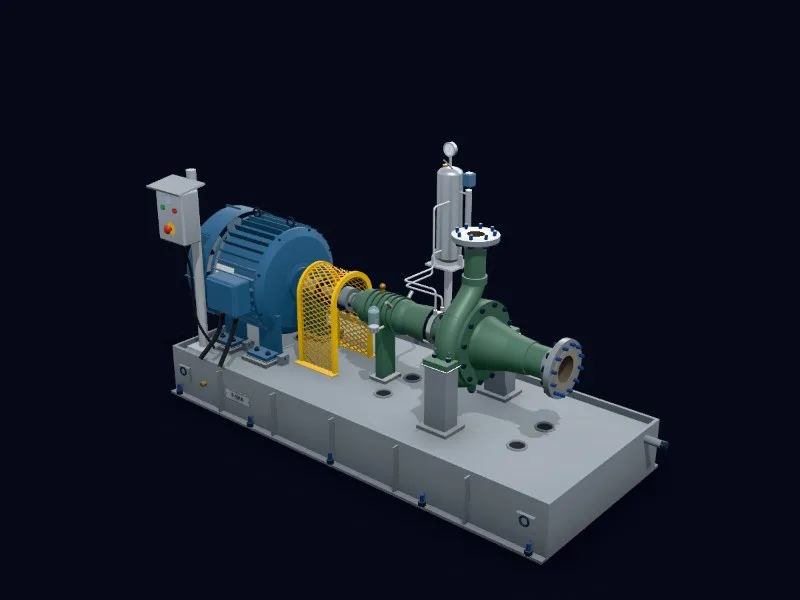
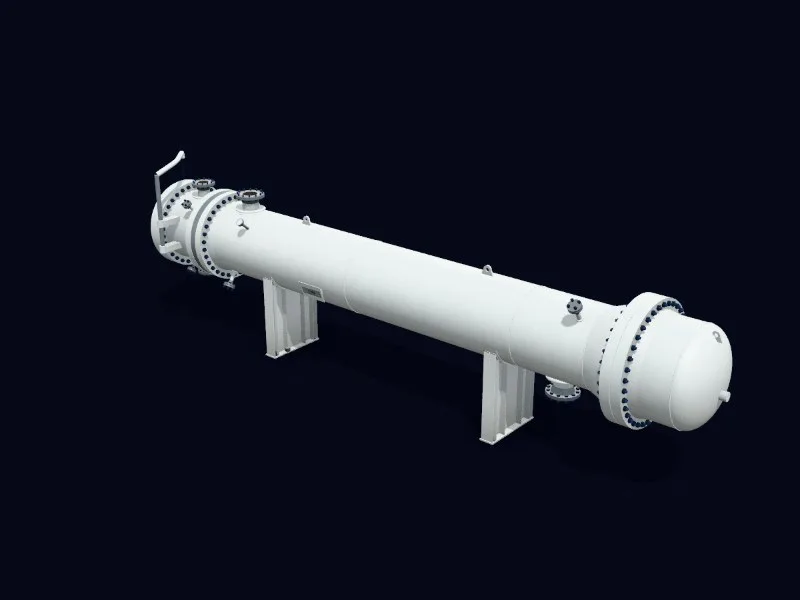
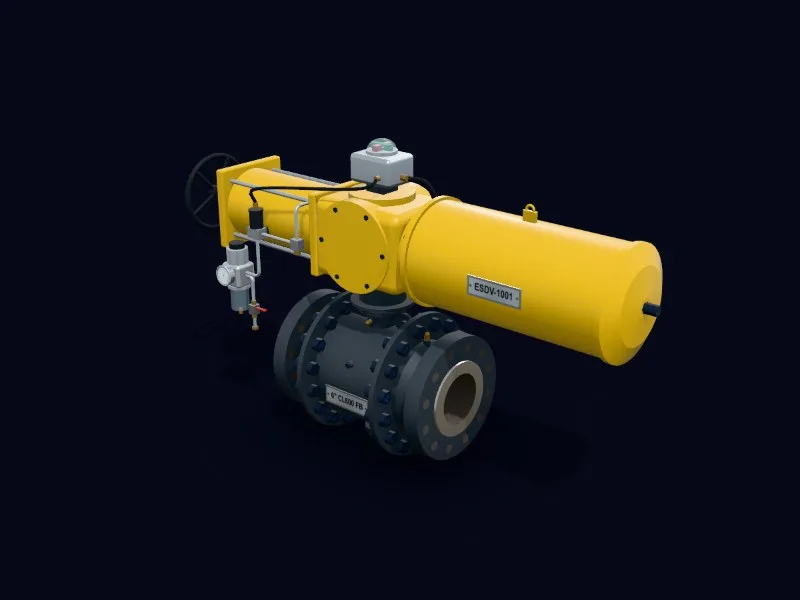
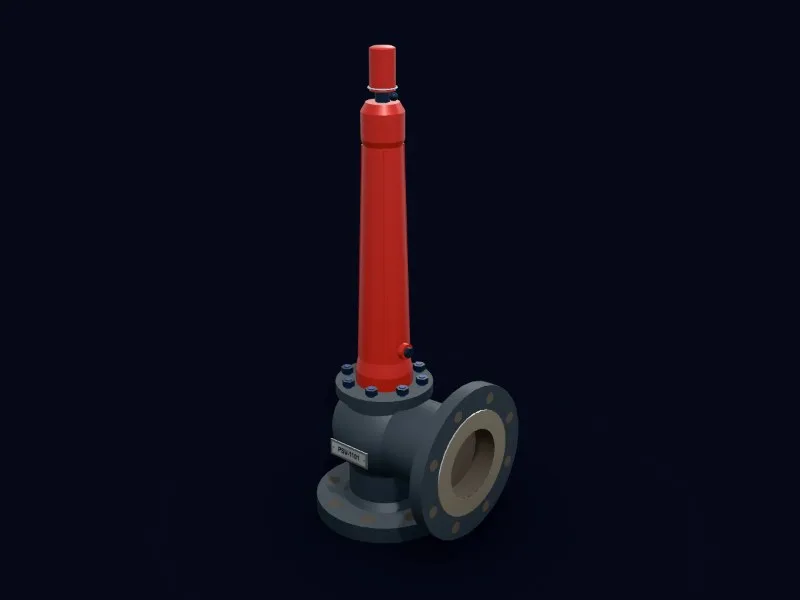
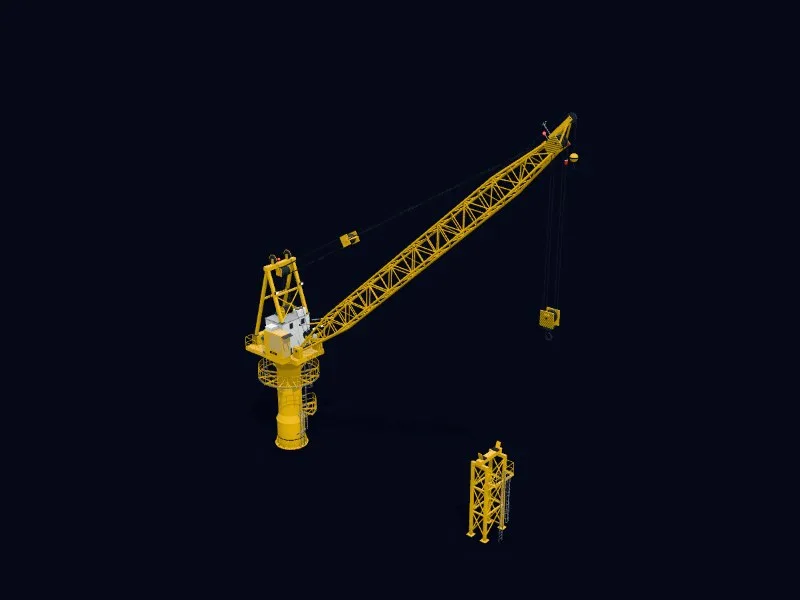
Every item in a twin is a component from the library, sized to its governing standard and free for personal use.
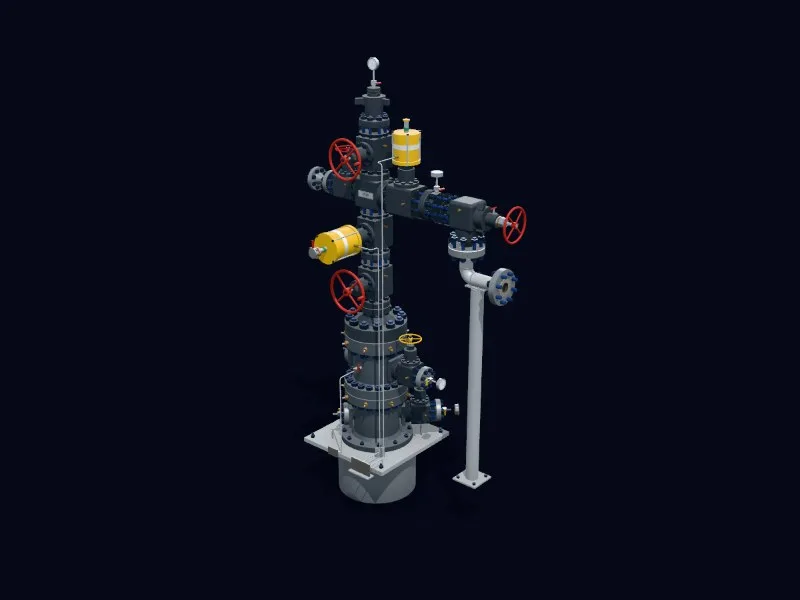
Engineering basis
Dimensions come from published codes: pipe and flanges from ASME, wellheads and machines from API, enclosures from IEC, access from ISO. P&ID symbols follow ISA 5.1. The values are reference data for visualisation, not for design or fabrication.
Read about the standards- ASME B16.5Pipe flanges and flanged fittings, NPS 1/2 to 24
- ASME B31.3Process piping
- ASME BPVC Section VIII Division 1Rules for construction of pressure vessels
- API 6AWellhead and tree equipment
- API 610Centrifugal pumps for petroleum, petrochemical and natural gas industries
- API 617Axial and centrifugal compressors and expander-compressors
- TEMAStandards of the Tubular Exchanger Manufacturers Association
- IEC 60079Explosive atmospheres
- ISO 14122Permanent means of access to machinery
- CAP 437Standards for offshore helicopter landing areas
- ISA 5.1Instrumentation symbols and identification
- NFPA 15Water spray fixed systems for fire protection
Where it is used
The same model serves a project from design review to operations.
- Design and model reviews
- Walk a layout before it is built and check access, clearances and escape routes with the whole team.
- Operator training
- Practise start-ups, upsets and emergency procedures on the same plant, with no operational risk.
- Safety studies
- Show ESD, blowdown and fire and gas logic in place, and review detector coverage and hazardous areas.
- Brownfield modifications
- Model the existing facility from its drawings, then place the new equipment and its tie-ins.
- Handover to operations
- Give operations a tagged, navigable model linked to the design data they inherit.
- Stakeholder communication
- Explain a facility to partners, regulators and new staff in a browser, without CAD software.
Questions
What is a digital twin of an oil and gas facility?
A digital model of the facility that holds its equipment, lines, valves and instruments as tagged, connected objects, shown in 3D and driven by data. Deck Twin builds the model from engineering documents and runs it in a web browser, so the plant can be walked, inspected and operated.
What do you need from us to build one?
The documents the facility already has: P&IDs, process flow diagrams, equipment datasheets, line lists and plot plans. Drawings in PDF or image form are enough to start. More detail, such as cause and effect charts or instrument data, adds more of the plant to the model.
Does it connect to live plant data?
The twin reads every value through one interface, built so that a historian or OPC UA, PI or MQTT feed can be connected in place of the simulator. The public demo runs on a simulator only: its process values, alarms and people are simulated, and it does not describe a real asset.
How accurate is the geometry?
Components are generic and sized from published standards such as ASME B16.5 and API 610, using the sizes and ratings in your documents. They are not vendor CAD and are not for fabrication. See the standards behind the library.
Where does it run?
In a desktop web browser with WebGL 2, with no plugin or CAD licence. Phones get a simplified view, because a full offshore facility is too large for a phone to render.
Can the plant be used in OpenUSD or NVIDIA Omniverse?
Yes, as an export we run for you. We have written two plants as OpenUSD layers and path-traced them with the Omniverse RTX renderer. See what carries over to OpenUSD and Omniverse.
Discuss a twin of your facility
Tell us about the facility, the documents you have and what the twin should do.